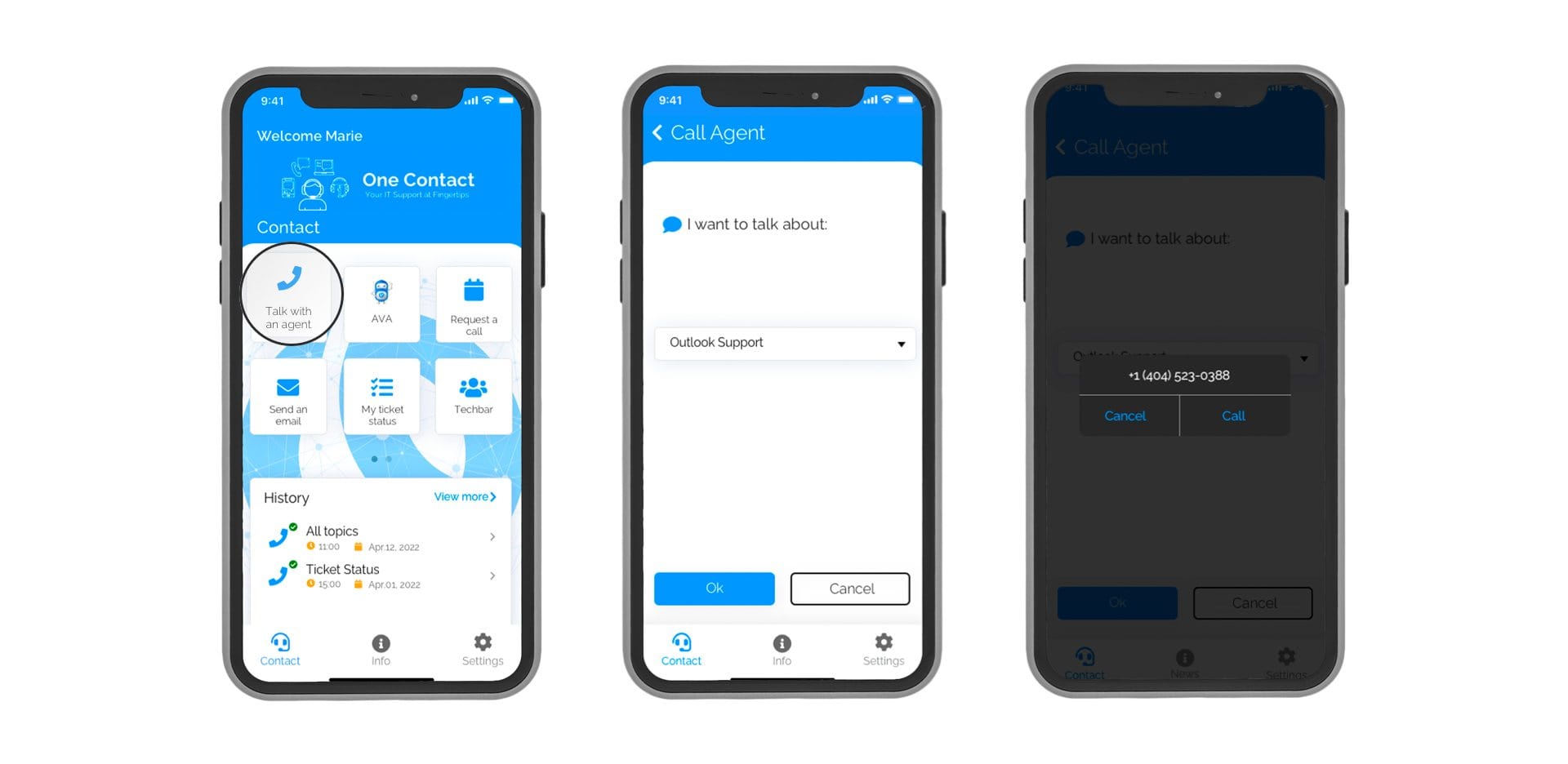
Talk with an Agent
With inbound call towards service desk, users get connected to the right agent based on the issue selection.
Chat with an Agent
Like sending a text message, users can immediately start chatting with an agent about their issues*.
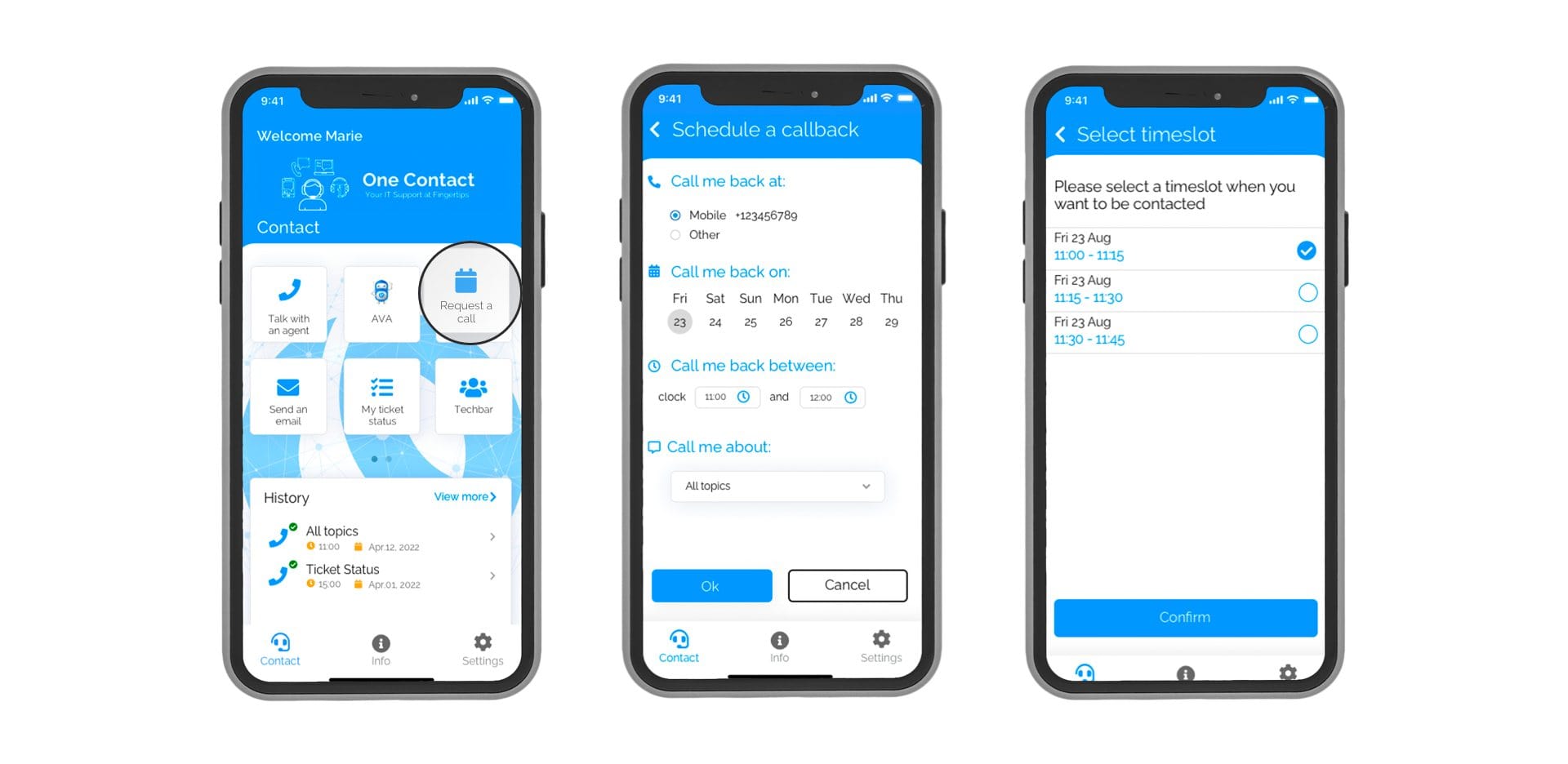
Request a Call Back
Too busy now? An added value service where users can schedule a call with the service desk according to their preferred time window.
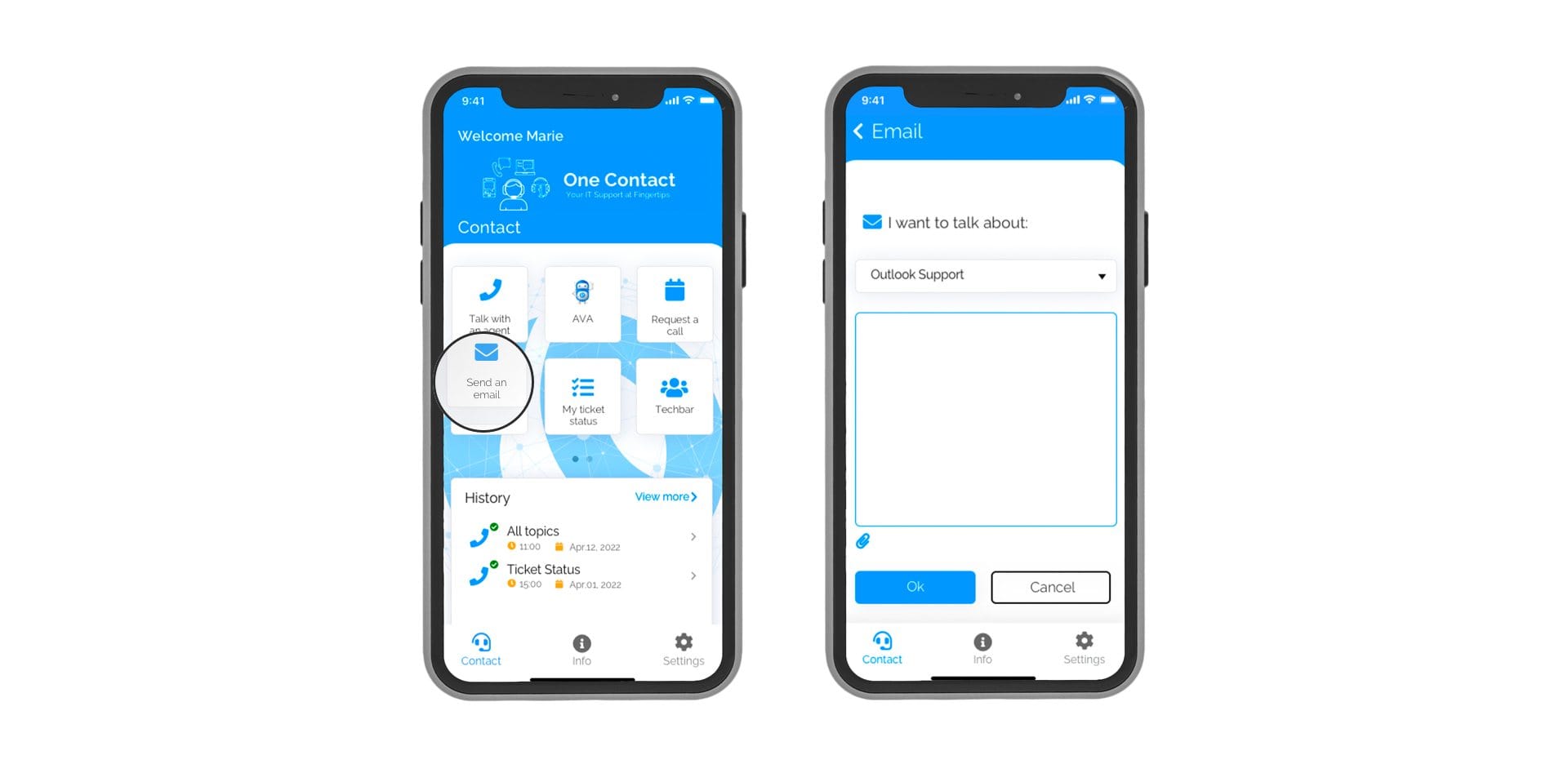
Send Email
Want to share a snapshot of the issue with Service Desk? Users can draft an email attaching any image from the phone.
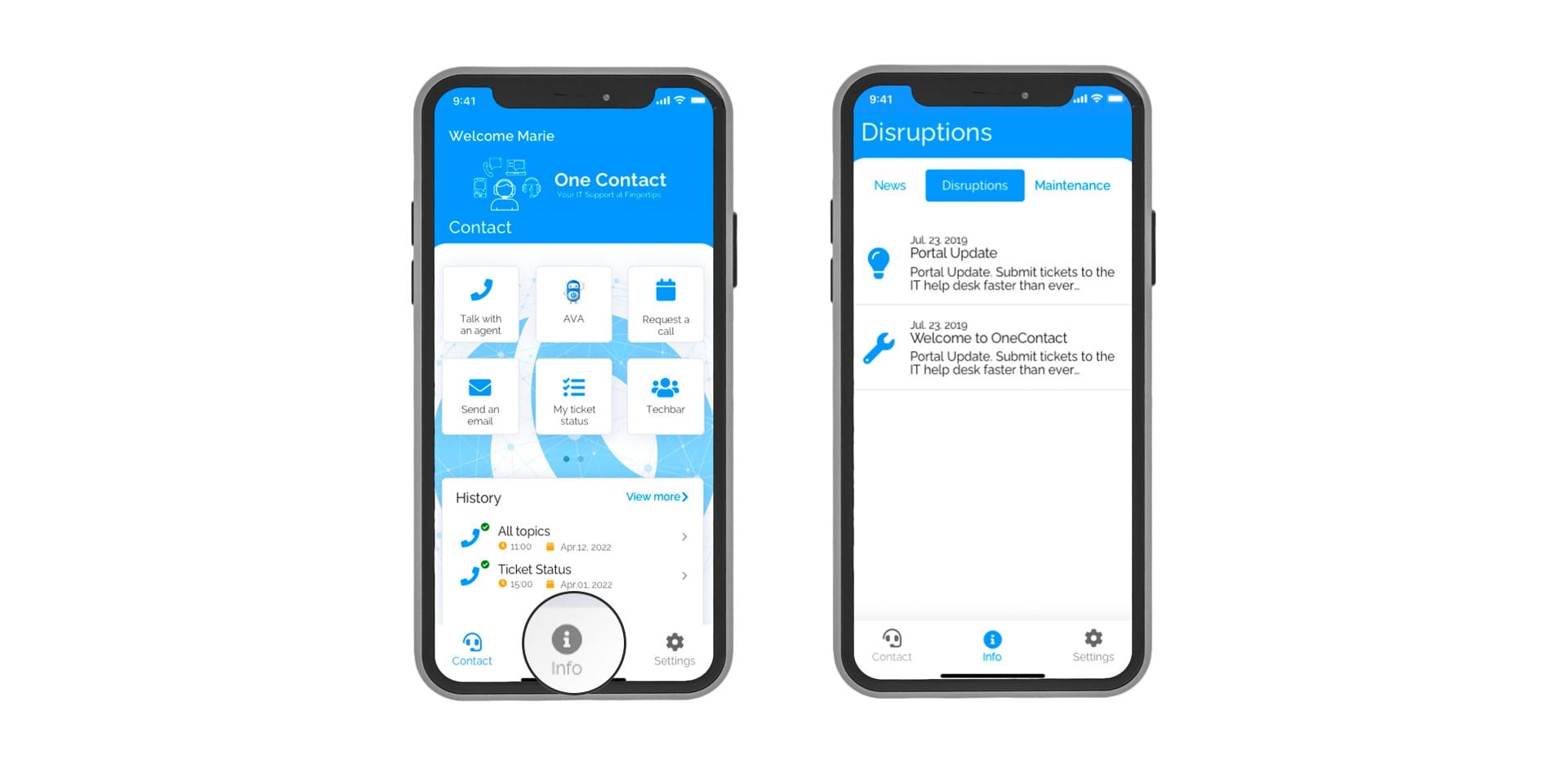
System Disruptions
Real time updates with push notifications will keep users aware of any outages and scheduled maintenance.
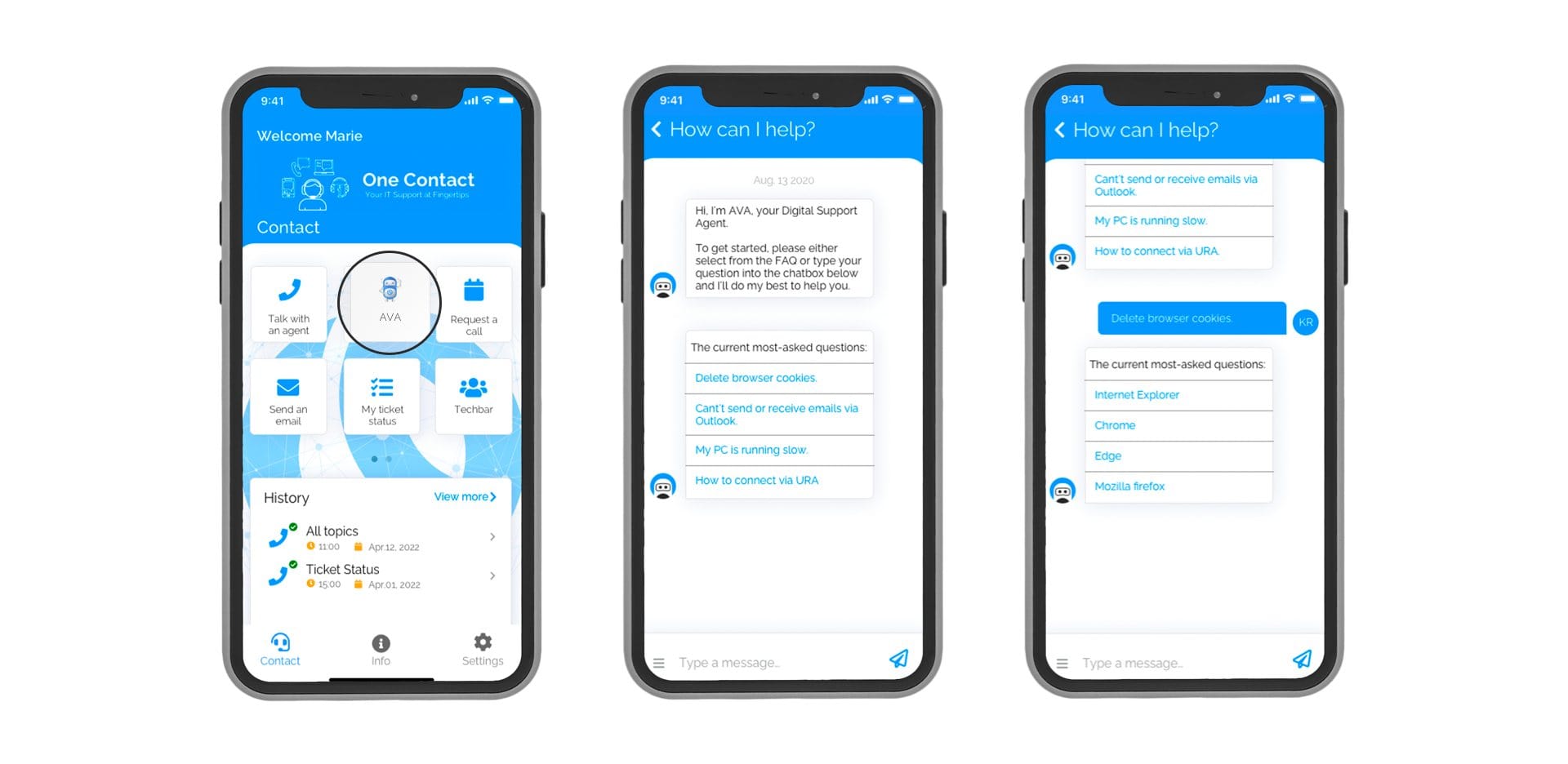
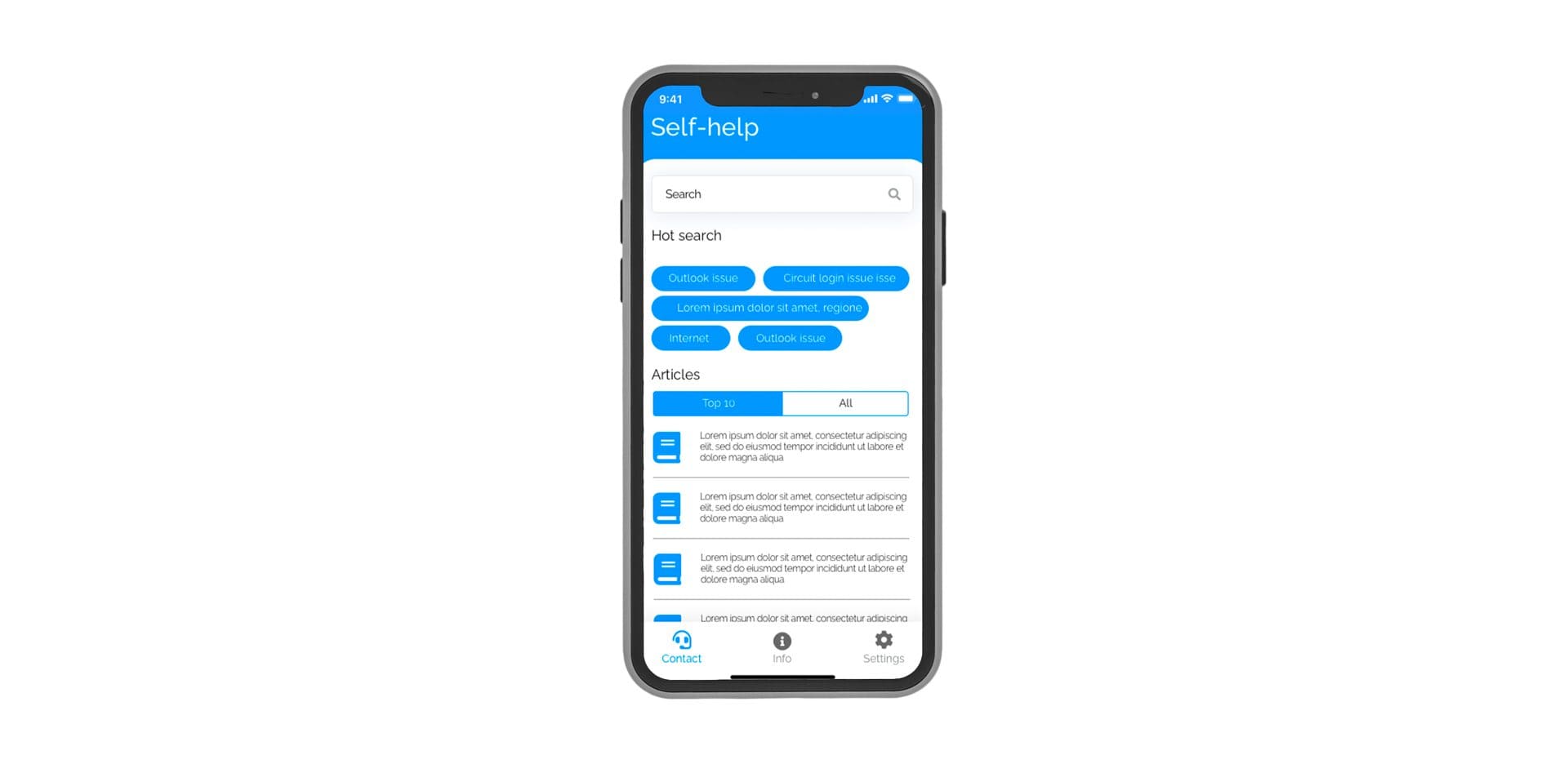
Self-help Guide
Frequently asked questions can be answered by our knowledge base system in a quick and effortless way.
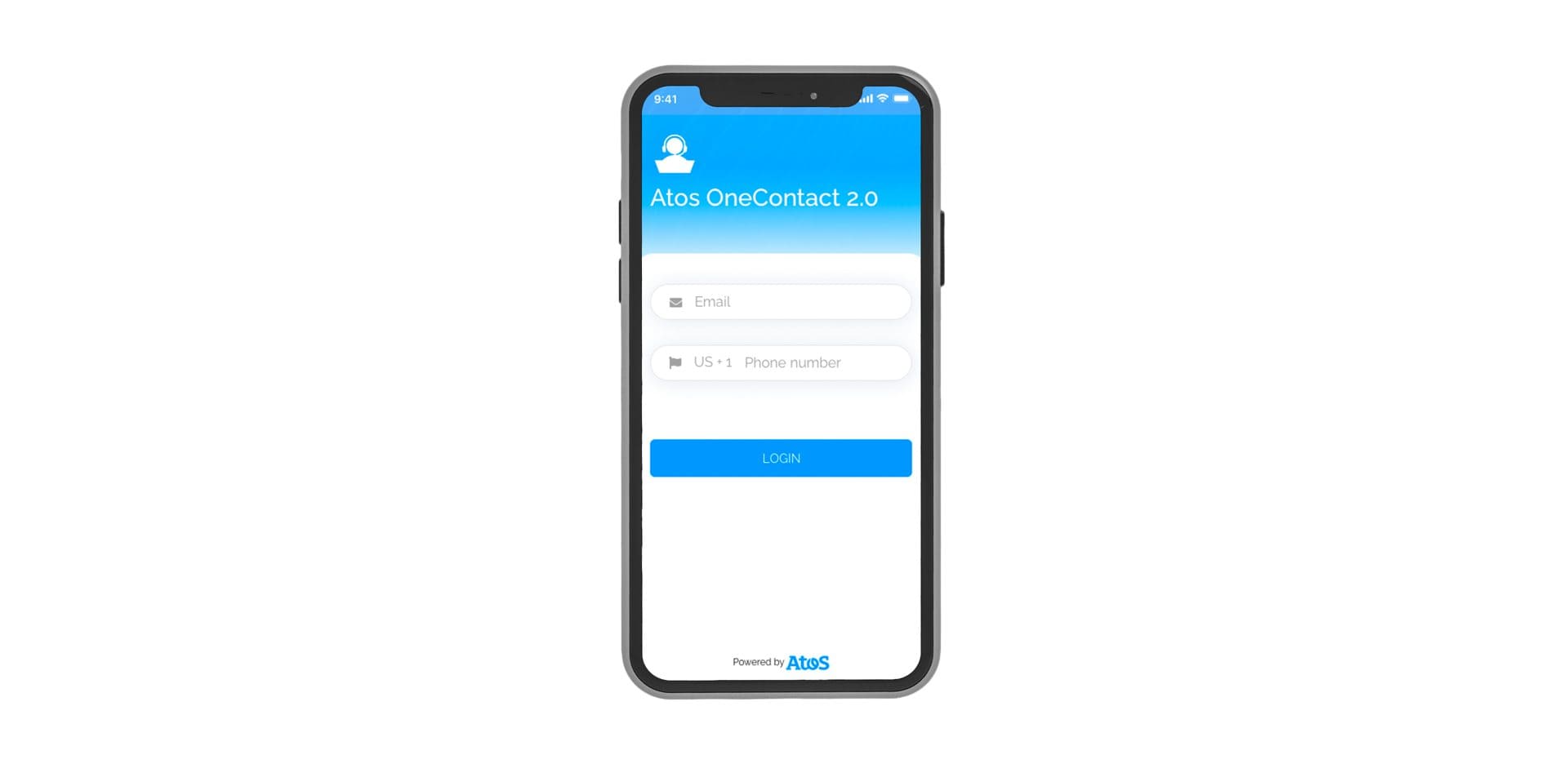
Single Sign-on
Users can use their organization credentials to log in to OneContact. No need for registration or password set up.
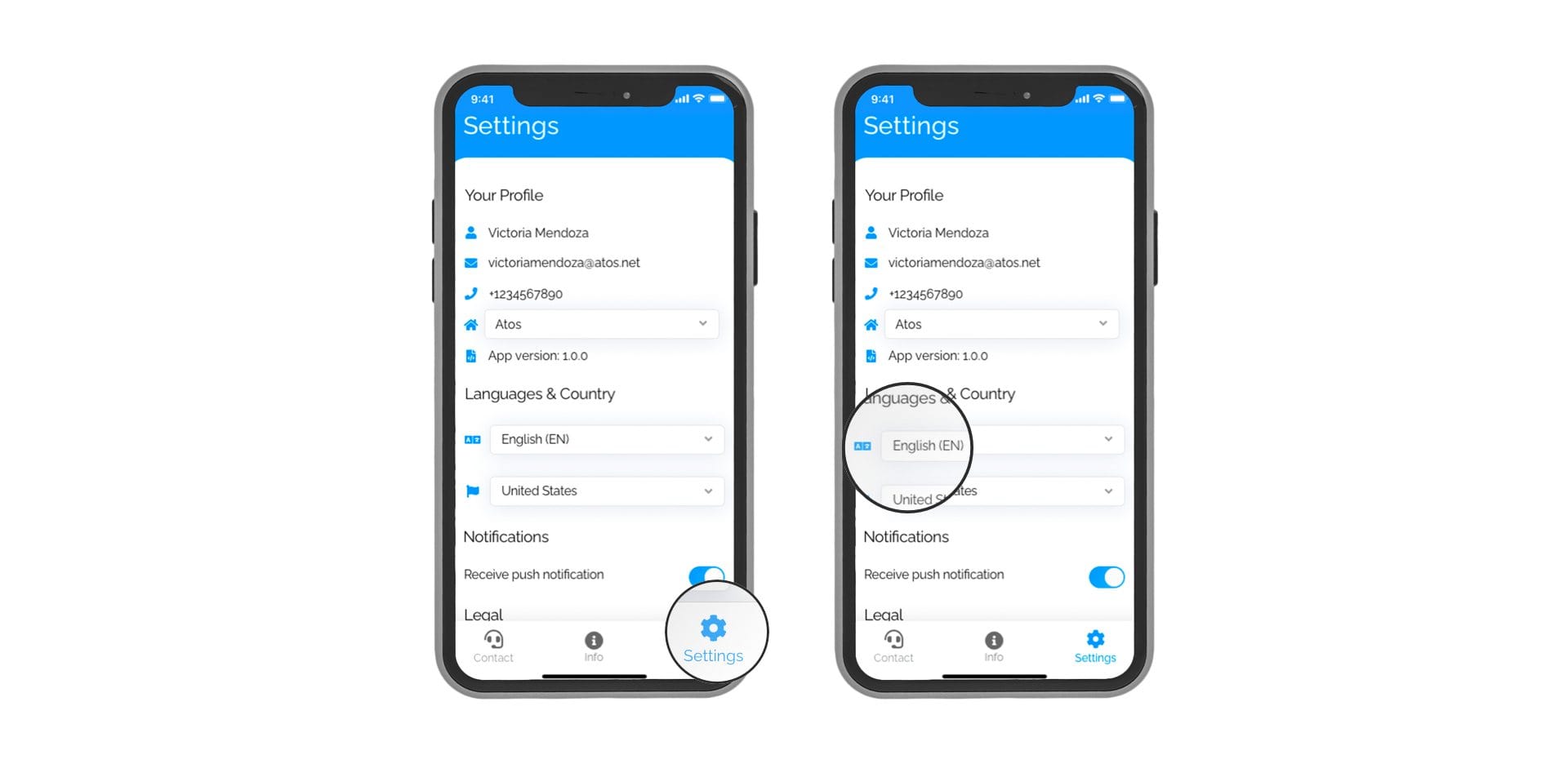
Multiple Languages
Users will have the ability to select their preferred language for the app as well as the preferred language for the service desk.
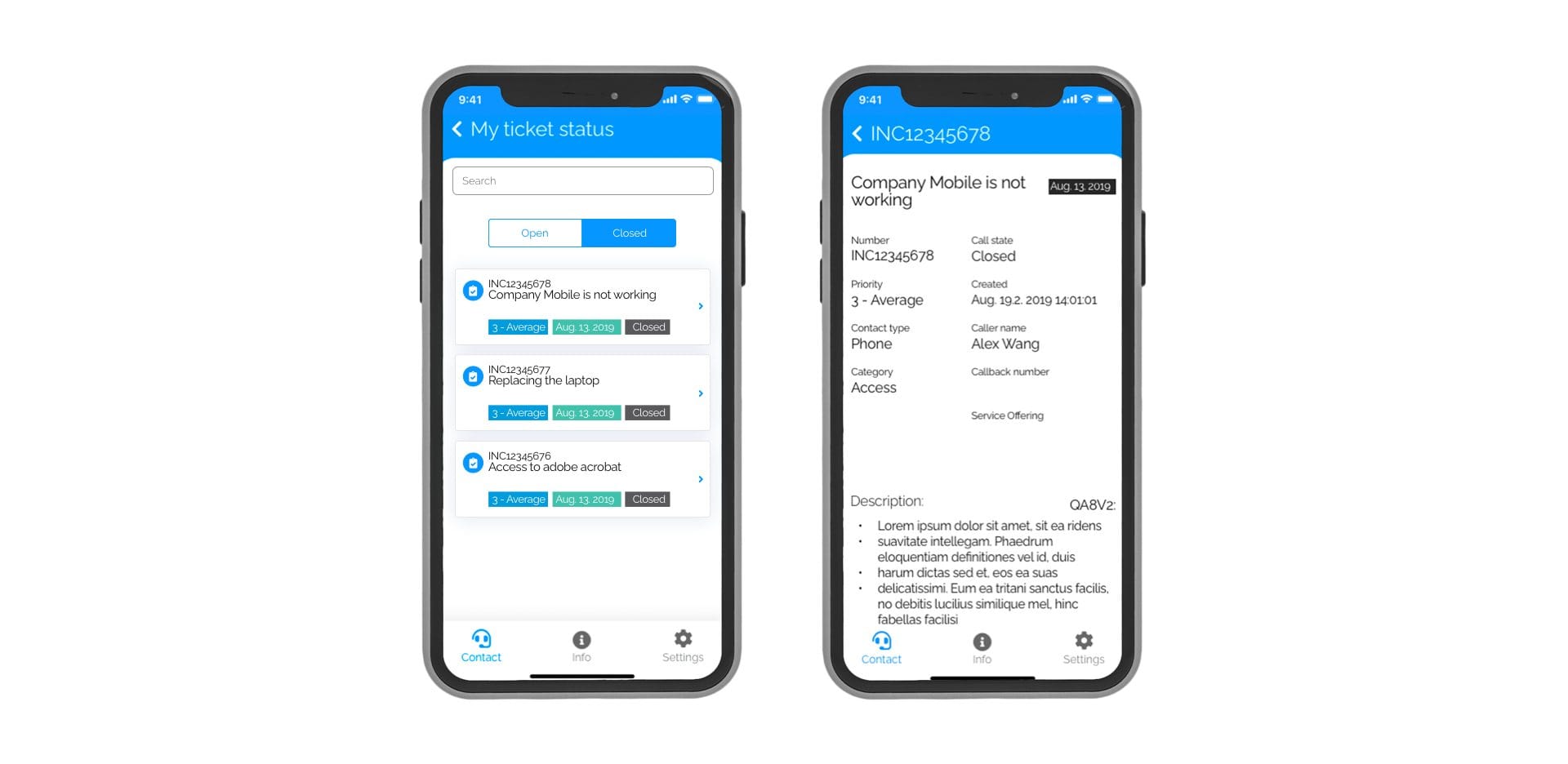
Ticket Status
Skip calling the desk to check status of your ticket. View all the open tickets and details around its status, latest updates and many more details right within the app.
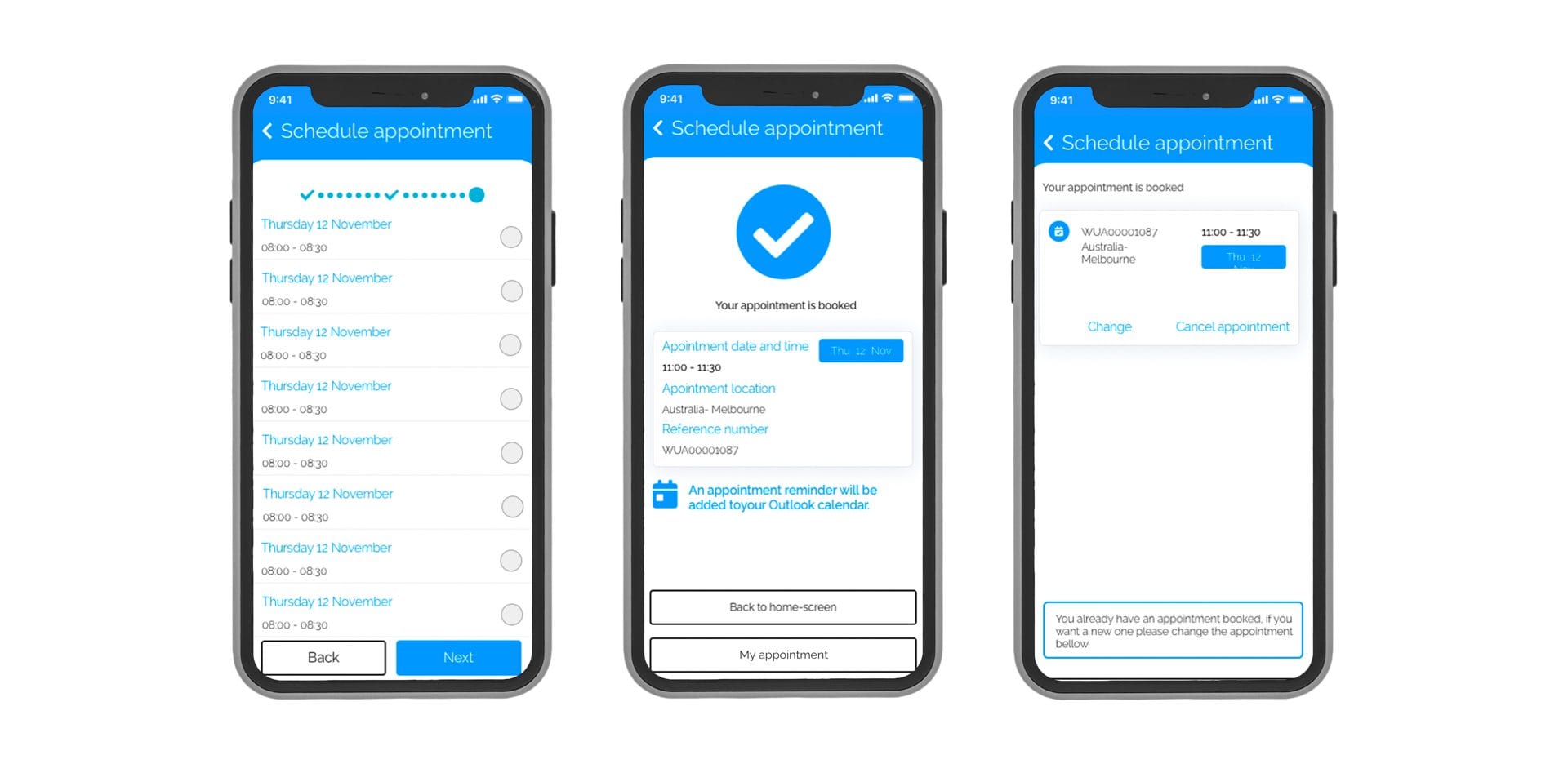
Tech Bar
Request an appointment in your preferred time window.